LinkedIn Headshot Tips: The Complete Guide to a Profile Photo That Gets Noticed
Your LinkedIn profile photo is doing more work than you might think. According to LinkedIn's own data, profiles with a photo receive up to 21 times more profile views and nine times more connection requests than those without one. Before anyone reads your headline or clicks through to your experience, they've already formed an impression based on that small circle next to your name
And yet, the bar on LinkedIn remains surprisingly low. A quick scroll through almost any industry will turn up photos that are blurry, outdated, cropped from group shots, or just entirely absent. Which means a strong, intentional headshot gives you a real edge — not because it's flashy, but because it signals that you take your professional presence seriously.
This guide covers everything you need to know: the technical specs for uploading correctly, how to choose your wardrobe and background, how to pose and what to do with your expression, and how to prepare for the shoot itself. Whether you're booking a professional session or working with a DIY setup, these LinkedIn headshot tips apply.
What Makes a Great LinkedIn Headshot?
As a corporate headshot photographer in NYC, I've shot professionals and teams across every industry — and the headshots that land well all have a few things in common.
A great LinkedIn headshot does a few things right, and fortunately, none of them are complicated. It shows your face clearly. It's well-lit, in focus, and current. It looks professional without looking stiff, and it gives the viewer a sense of who you are before they've read a single word on your profile.
More specifically, a strong LinkedIn profile photo:
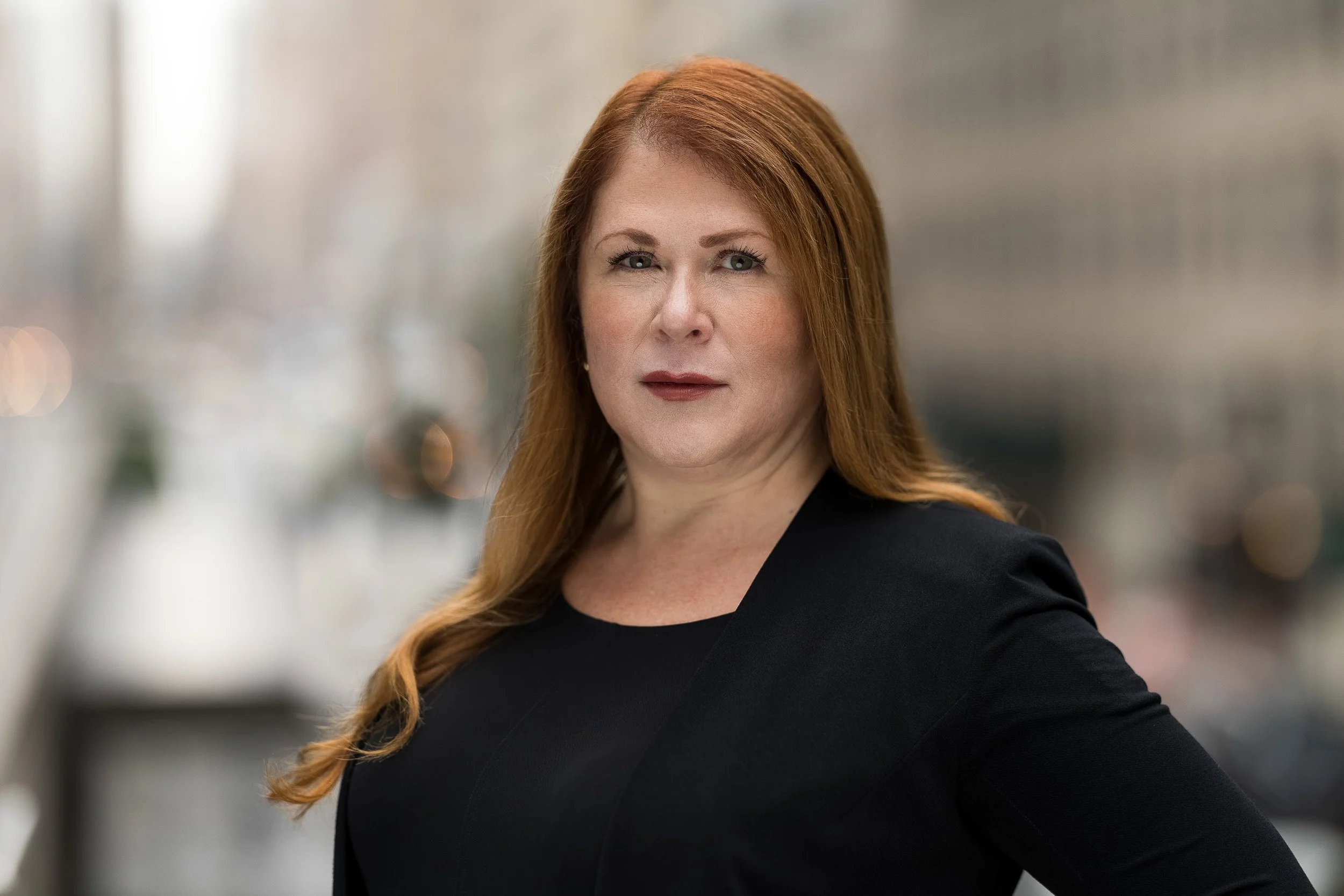
Shows your face filling roughly 60% of the frame. If you're a tiny figure in a wide landscape shot, you're not giving the viewer much to go on. Head and shoulders is the standard, and for good reason.
Uses a clean, uncluttered background. The focus should be on you, not what's behind you.
Is well-lit, with your face clearly visible. Shadows, backlighting, and harsh overhead light are common culprits that undermine otherwise decent photos.
Is recent. If people do a double-take when they meet you in person, it's time for an update.
Has an approachable expression. Professional doesn't mean joyless. More on this in the posing section below.
LinkedIn Profile Photo Requirements
Before you upload anything, it's worth getting your LinkedIn profile picture specs right — upload incorrectly and you can end up with a photo that looks blurry, pixelated, or awkwardly cropped, which works against you regardless of how good the shot is.
Minimum size: 400 x 400 pixels. LinkedIn will reject images smaller than this.
Recommended upload size: 640 x 640 pixels or larger. Uploading at or above this size ensures your photo stays sharp on high-resolution displays.
Maximum file size: 8MB.
Accepted formats: JPG or PNG. For photographs, JPG is typically the better choice — it keeps file sizes manageable without sacrificing quality.
Circular crop: LinkedIn displays all profile pictures as a circle. Upload as a square and use LinkedIn's built-in crop tool to center your face — don't pre-crop the circle yourself, as this can introduce artifacts around the edges.
Tip: Keep a little space above your hair and below your chin when framing the shot. LinkedIn's circular crop will eliminate the corners, so anything too close to the edges risks getting clipped.
Do Your Industry Research First

One of the most useful things you can do before your headshot session has nothing to do with the session itself: spend 20 minutes on LinkedIn looking at how leaders and peers in your industry present themselves.
Search your job title, your industry, or the names of people whose professional brand you respect. Are they in suits or smart casual? Studio-lit or outdoors? Composed or warm and approachable? Formal attire or something with a bit more personality?
This research serves two purposes. It gives you a baseline for what's considered appropriate in your field, and it shows you where there's room to stand out. If everyone in your industry looks like they're auditioning for the same law firm, a headshot that's polished but slightly more human might be exactly what sets you apart. If your field skews more casual and your shot looks stiff and corporate, that's a mismatch worth correcting.
Use what you find as a guide, not a prescription. The goal isn't to look like everyone else — it's to understand the norms well enough to make an intentional choice about where you sit relative to them.
What to Wear for Your LinkedIn Headshot
Your outfit is a supporting actor, not the lead — but a badly chosen supporting actor can still derail the whole production. The general principle: dress in a way that honors your personal brand while respecting the norms of your industry. Those two things don't usually conflict as much as people think.

Different industries have genuinely different expectations. Finance, law, and consulting tend to call for polished and conservative — a tailored suit or blazer, neutral tones, clean lines. Tech and startups give you more room to breathe: business casual, solid colors, a layer that elevates the look without over-formalizing it.
Creative fields have the most latitude, and a headshot that reflects your aesthetic sensibility can actually work in your favor. Service-based professionals — coaches, consultants, photographers, copywriters, sales reps — often land somewhere between these, aiming for approachable and credible in roughly equal measure.
Whatever your industry, a few principles apply across the board:
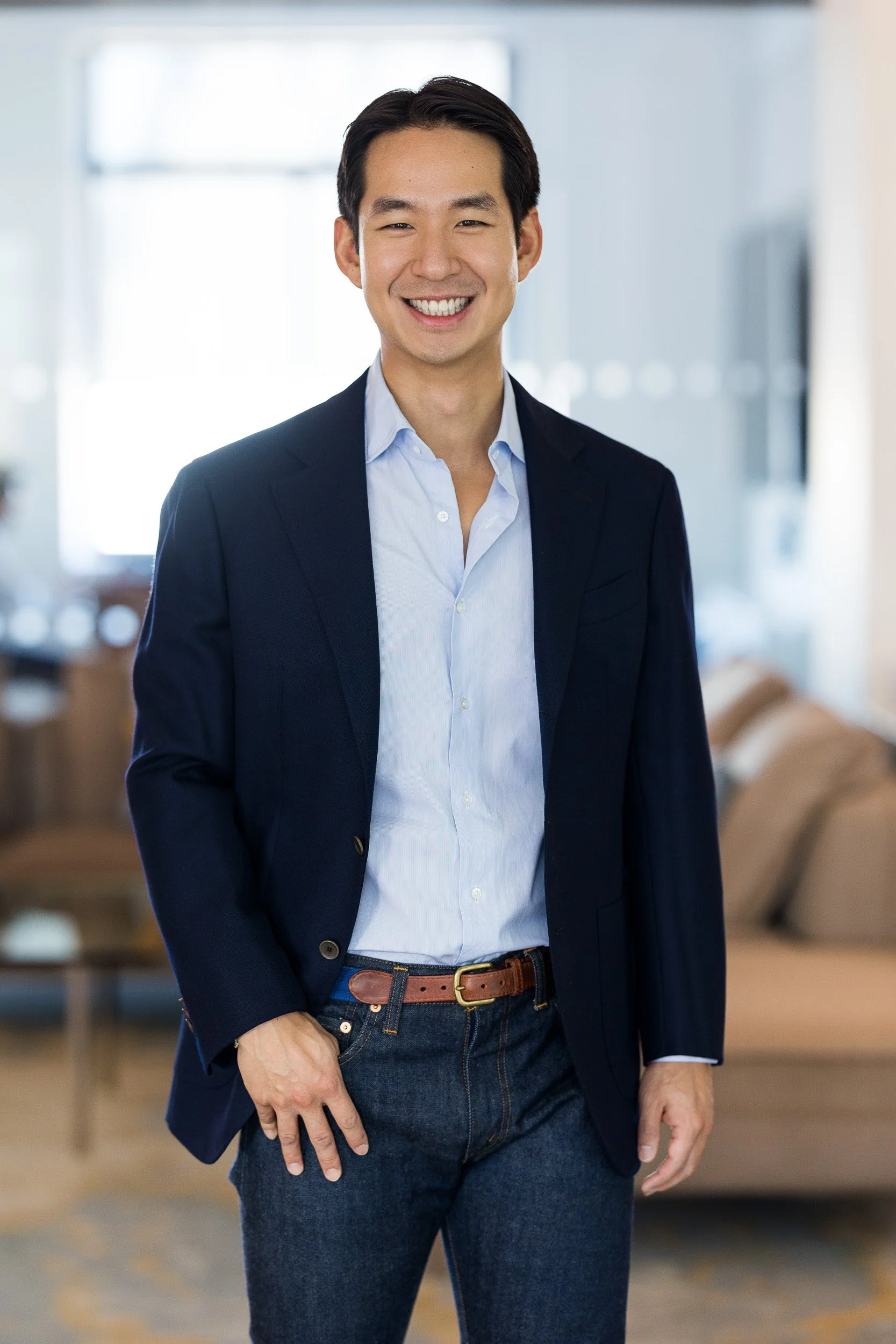
Solid colors over busy patterns. Patterns can draw the eye away from your face, which is always the star of the shot.
Fit matters as much as formality. A well-fitted casual top reads better than an ill-fitting suit jacket.
Wear what actually feels like you. Authenticity reads on camera. If you're uncomfortable in something, it will show.
Bring multiple options. Different looks give you more to work with in editing and ensure you have shots for different contexts.
For a deeper dive — including color theory, accessories, grooming, and gender-specific guidance — check out our posts on what to wear for professional headshots and the best colors to wear for your headshot, or the dedicated sections in the men's headshot guide and women's headshot guide.
Choosing the Right Background
Your background sets the context for your photo — and like your outfit, it sends a signal about who you are and what kind of professional you are.
Studio backgrounds
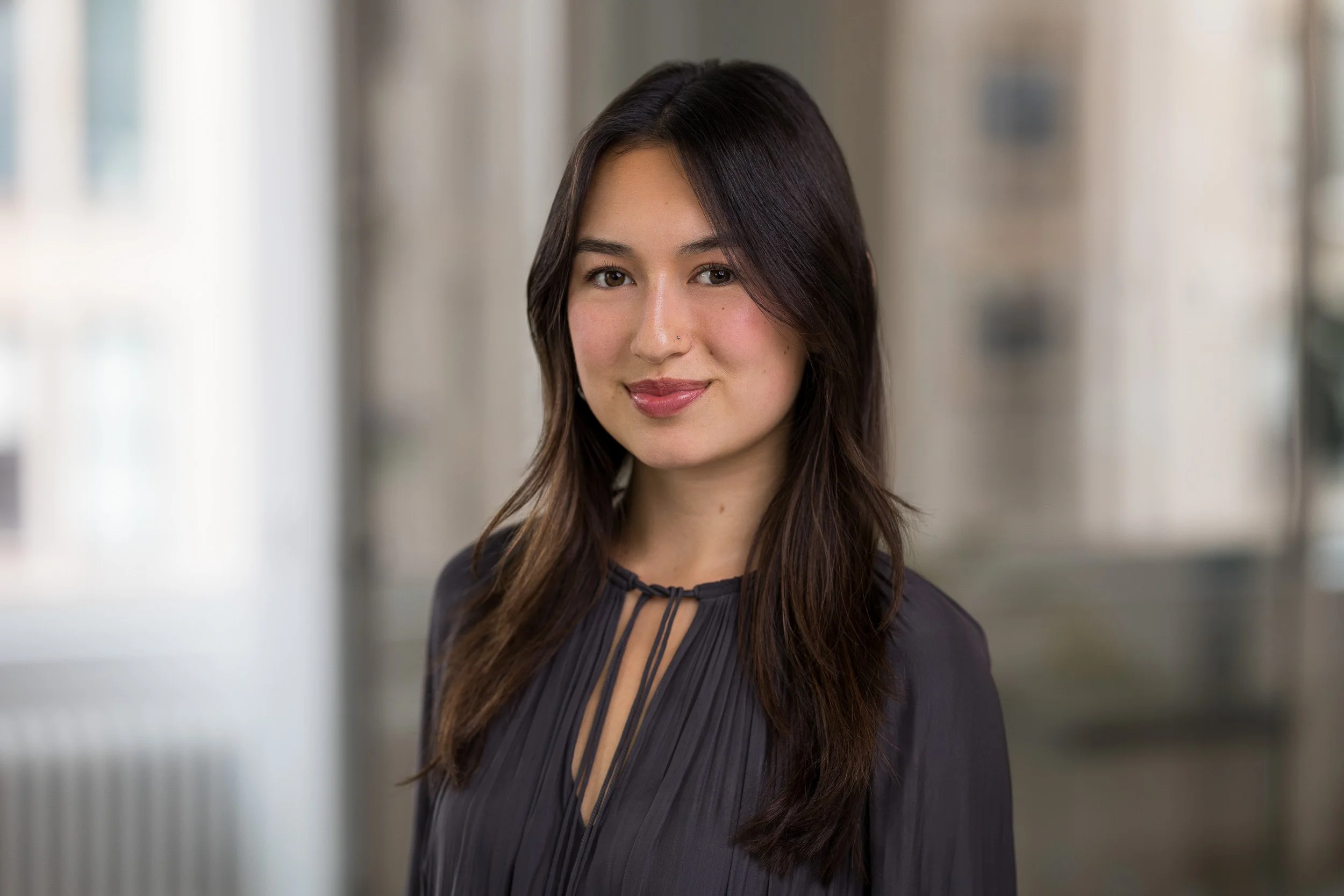
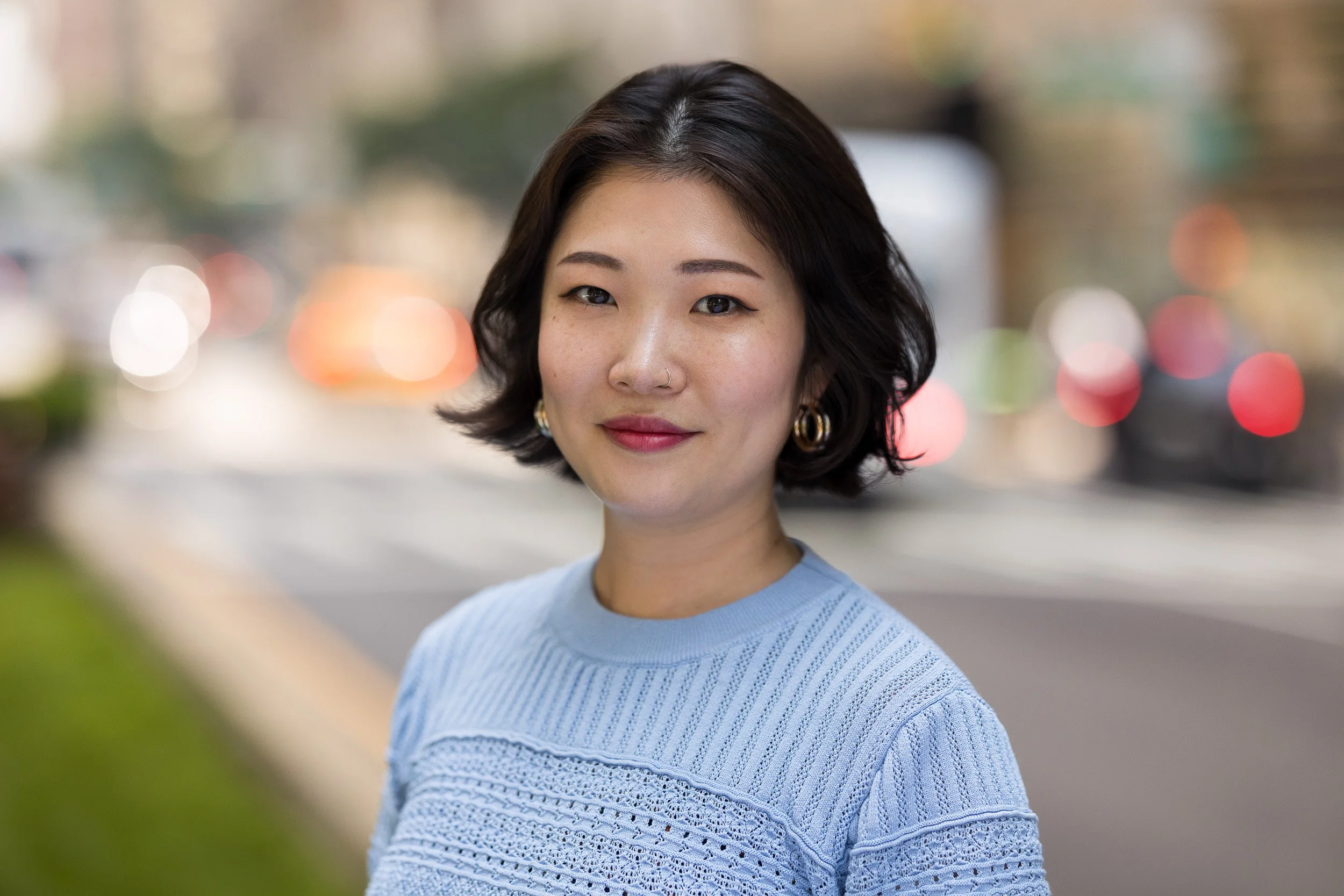
A studio backdrop is a safe and versatile choice. It keeps the focus squarely on you, works in almost any professional context, and ages well. If you're not sure what's right for your industry, this is the sensible default.
Environmental headshots
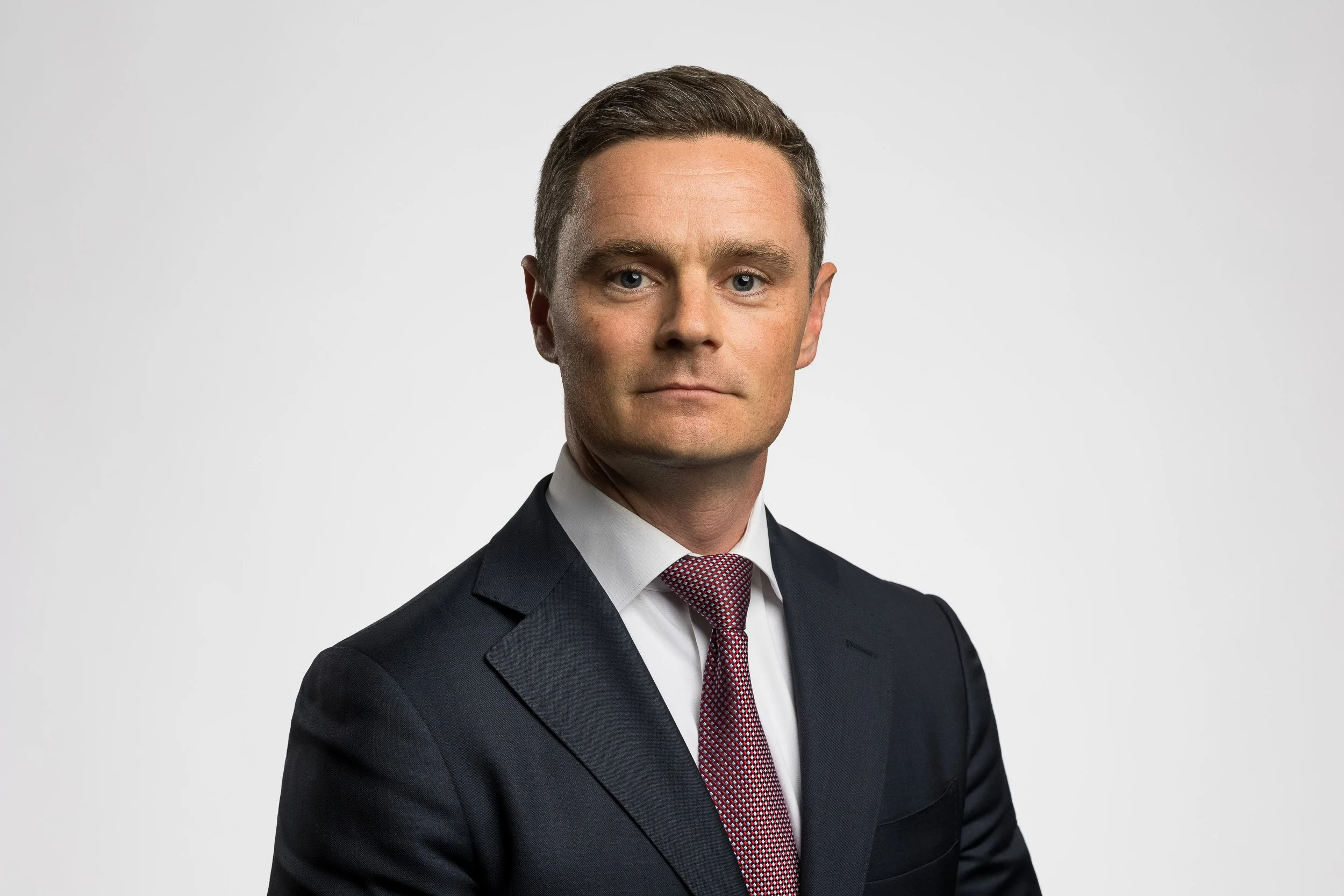
If you’re looking for something with a little more character, an environmental backdrop can bring some texture and professional context to your headshot.
Taken at your office, a relevant workspace, or a setting that reflects your work, this approach can add personality and visual intrigue over a neutral studio background. They're particularly effective for entrepreneurs, creatives, and anyone whose brand benefits from a sense of place.

Outdoor backgrounds
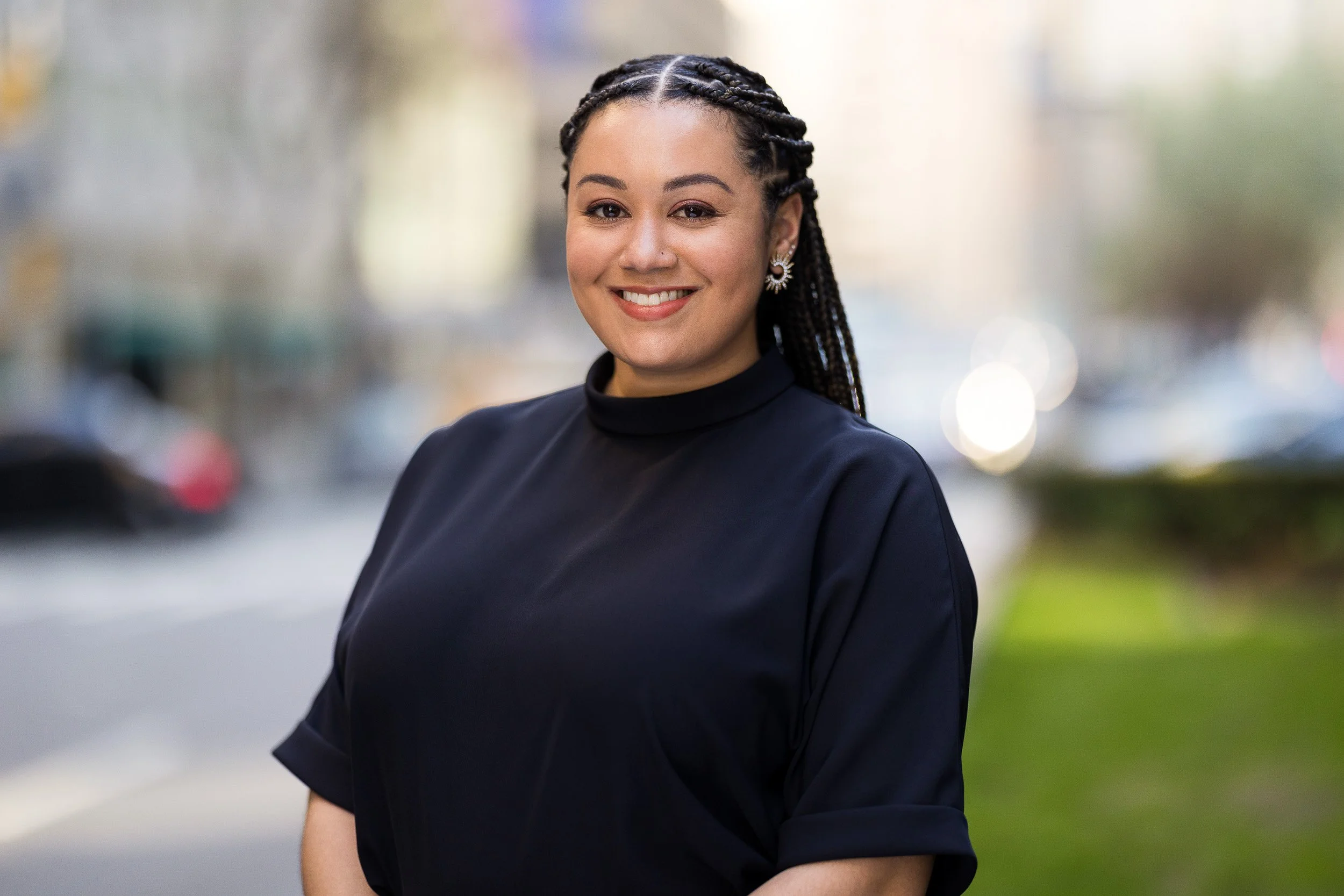
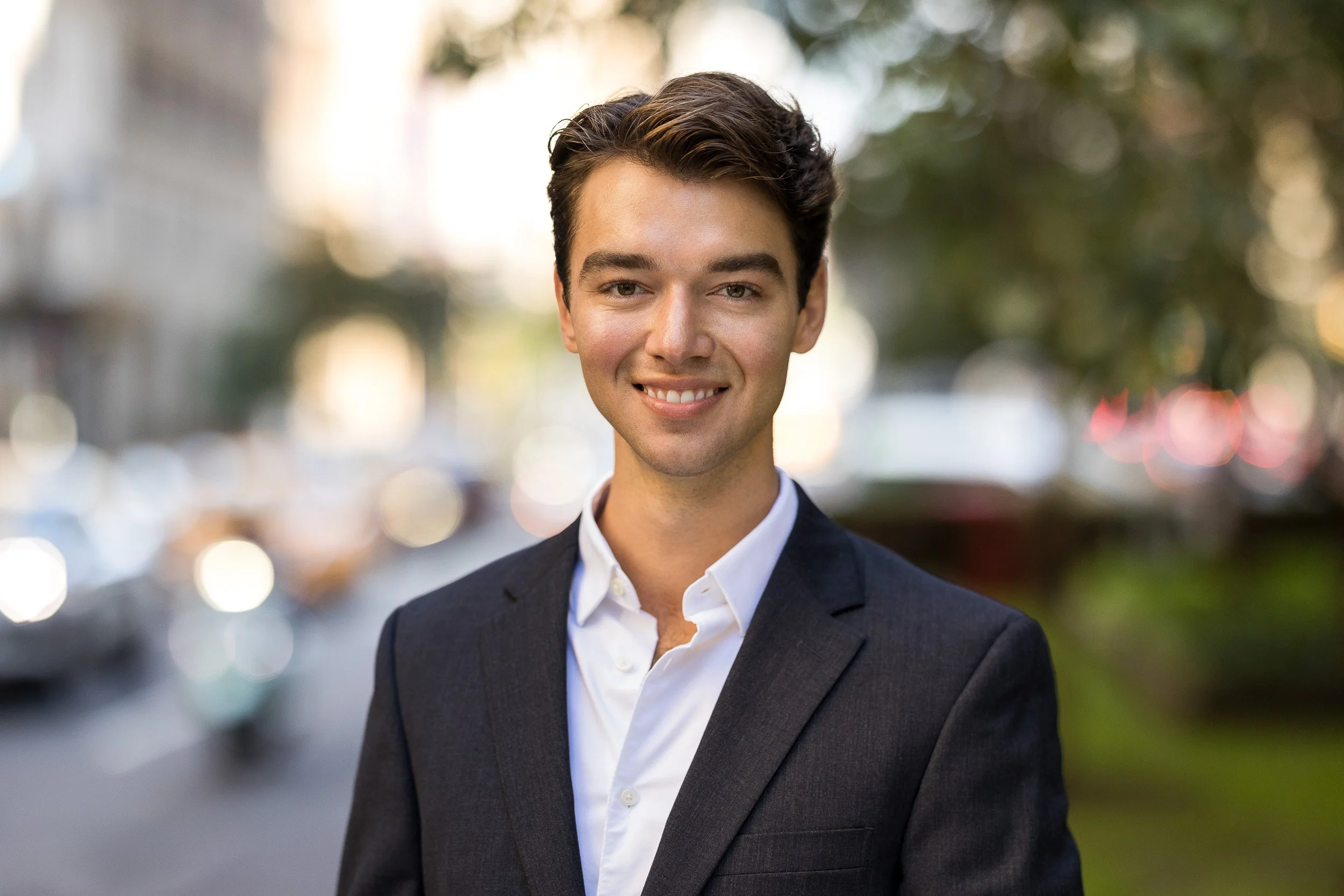
An outdoor headshot offers a natural, approachable quality that can work well across industries. The key is to make sure the background complements you rather than competes with you — a blurred, bokeh-soft background keeps the focus where it belongs.
Whichever direction you go, the background should feel intentional. For a full breakdown of what each option communicates and how to choose, see our post on the best background for professional headshots.
Getting the Lighting Right
Lighting is one of the biggest differentiators between a professional headshot and a photo that just looks like one. Good lighting is flattering and even. Bad lighting creates harsh shadows, washes out your features, or makes you look tired. Here's what to know:
Natural light is your best friend in a DIY or outdoor context. Position yourself near a large window with soft, diffused light — overcast days are actually ideal outdoors because the clouds act as a giant natural diffuser, eliminating harsh shadows.
If shooting outdoors in harsh midday sun, seek out a shaded area with open sky overhead. The shade eliminates direct sun while the open sky provides soft, even ambient light.
Studio lighting gives a photographer precise control over the quality, direction, and intensity of light — which is why professionally lit headshots look consistently polished in a way that's hard to replicate without equipment.
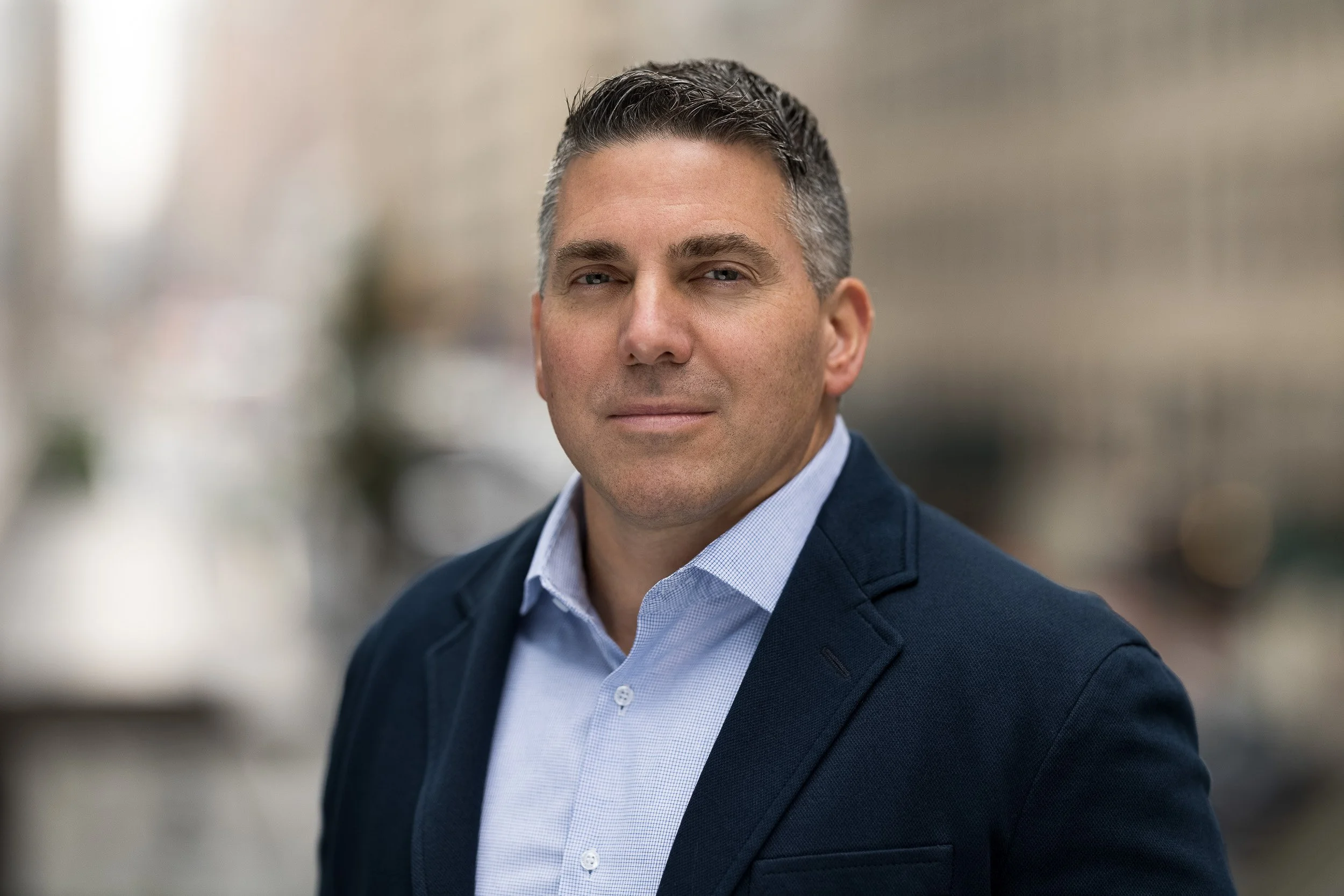
What to avoid: harsh overhead lighting (creates unflattering under-eye shadows), direct flash from the front at close range (looks flat and artificial), and backlighting that puts your face in shadow while your background is bright.
Posing and Expression: LinkedIn Headshot Tips for Looking Natural on Camera
Few things are as disorienting as standing in front of a camera and being asked to look natural. Where do your hands go? How do you stand? What are you supposed to do with your face? These are questions you'd never think to ask in any other context. Here's a practical breakdown.
Body Position: Angled vs. Straight-On
The classic headshot pose — body angled slightly toward the camera, one shoulder leading — has been the industry standard for good reason. It's flattering for most people, creates a slimmer silhouette, and reads as composed and professional. For conservative industries like law, finance, and healthcare, it's a safe bet that will never look out of place.
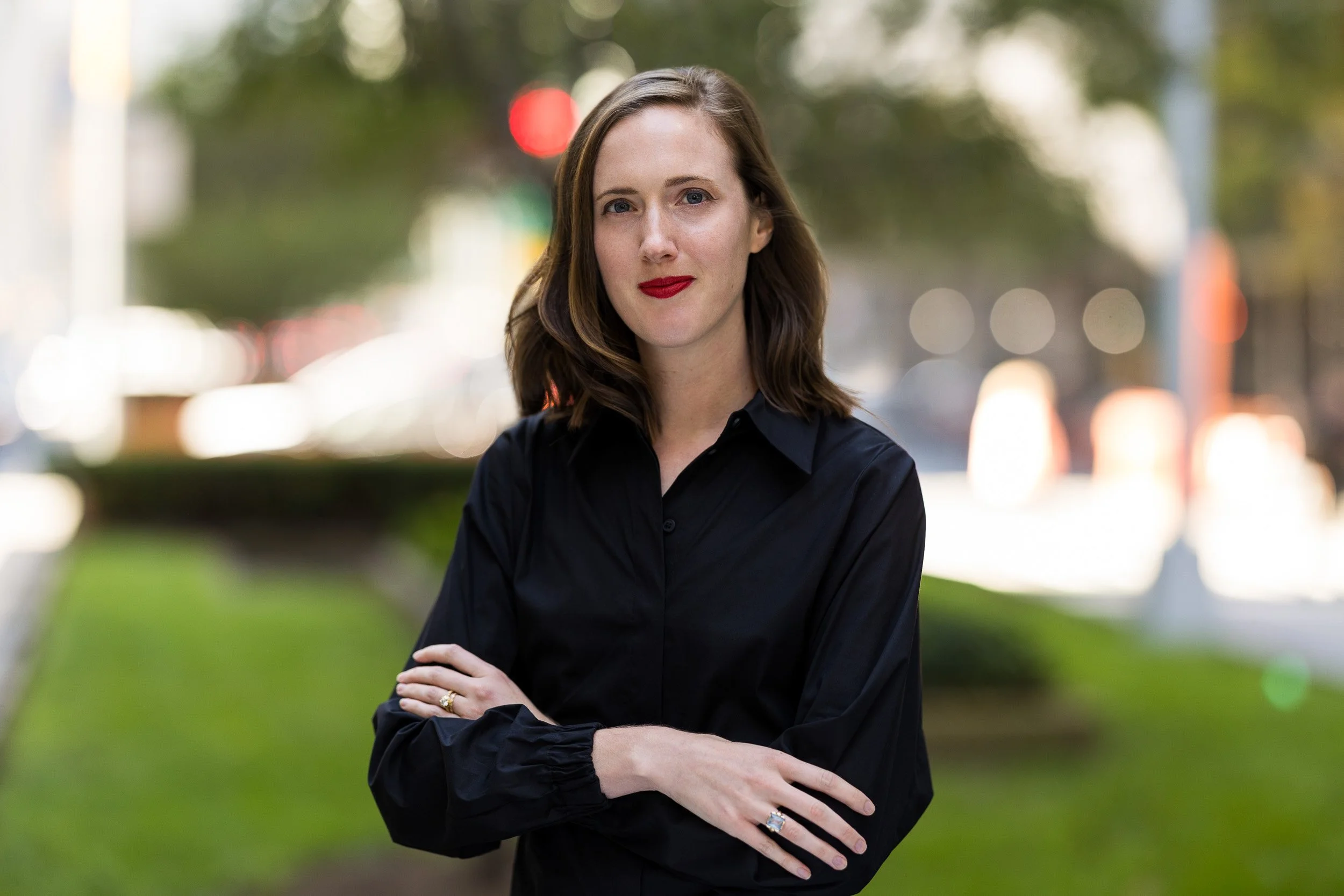
That said, there's a growing trend toward posing square to the camera — facing it directly rather than at an angle. This can feel more informal, direct, and approachable. It works particularly well in creative fields, where individuality and confidence carry more weight than convention. The risk is that it demands more from the subject: if you're not fully relaxed into it, a square-on pose can read as stiff rather than self-assured.

Neither is wrong. Think about what your industry calls for and what feels natural to you, and talk it through with your photographer before the session.
What to Do With Your Hands
Hands at your sides sounds simple enough — until you're in front of a camera and suddenly can't figure out what a normal human arm does. Giving your hands a job to do prevents slumped shoulders and removes that awkward, stiff-armed quality that plagues so many headshots. A few options that work well:
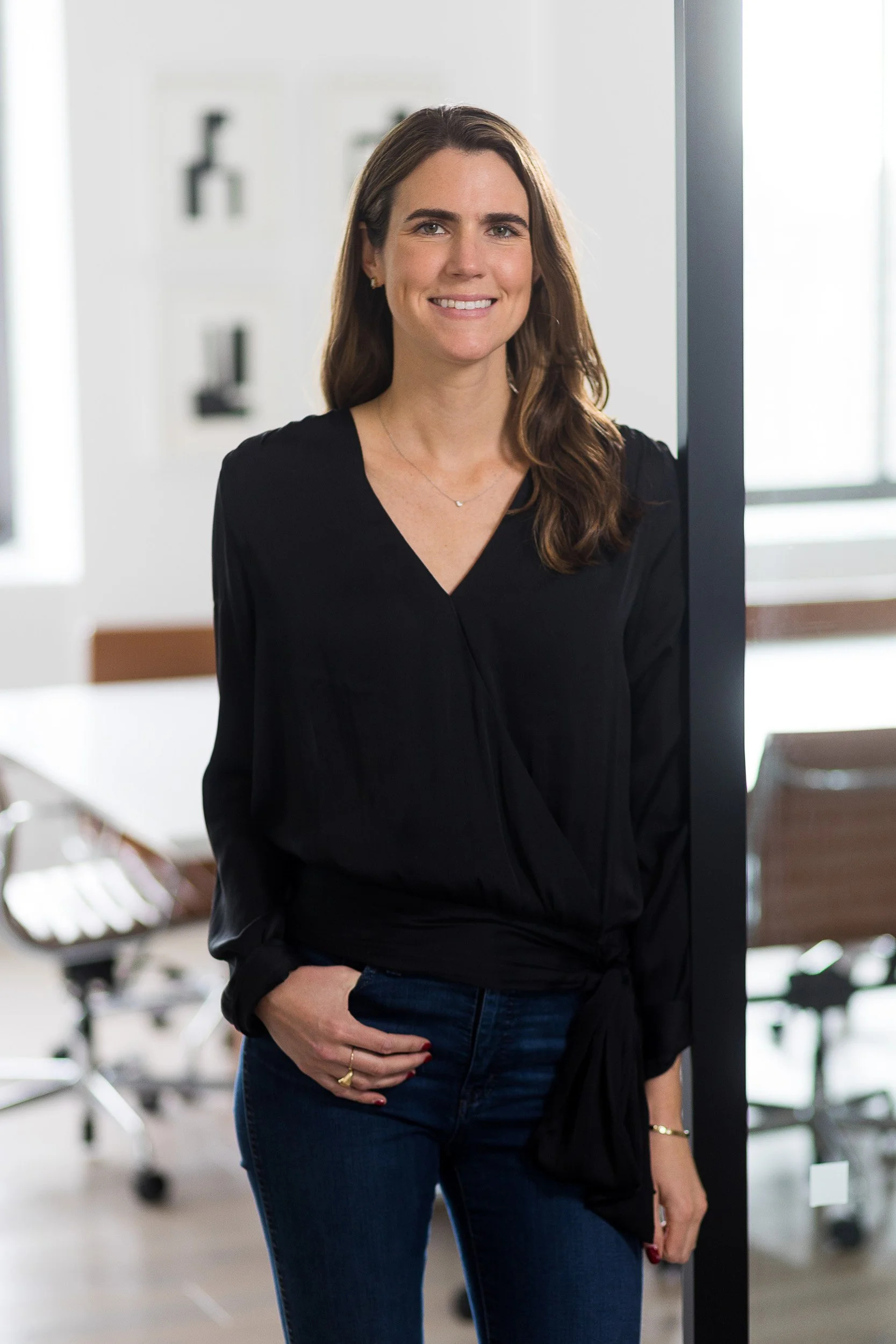
Hands in pockets
When your outfit allows for it, this is one of the most natural-feeling poses there is. Slipping one hand in your pocket creates a slight bend at the elbow and flattering separation between your arm and torso. Typically works best with the hand closest to the camera; the other can rest at your side.
Arms crossed
Sometimes called "the power pose." It reads as confident and authoritative. To prevent it from feeling too serious or closed-off, keep your arms and hands relaxed, and pair it with a warmer expression. A slight smile goes a long way here.
Hand on hip
Place the hand closest to the camera on your hip, back hand at your side. A slight drop in that same shoulder softens the pose. This one tends to look particularly natural on women, though it works well for anyone looking for a confident, decisive stance.
Clasped hands
Let your arms fall naturally in front of you and bring your hands together loosely. The key word is loosely: if you clasp them too tightly, your arms create a closed, guarded energy that works against you. Keep it relaxed.
Adjusting your wardrobe
Buttoning a blazer, adjusting a cuff, or straightening a collar mid-shot can produce a candid, unstaged quality that's hard to manufacture otherwise. Some of the best headshots come from these in-between moments.
If you're shooting in an environment rather than a studio, use it. Leaning against a wall or doorframe, resting an arm on a desk or railing — these kinds of natural contact points can make your pose feel grounded and organic in a way that's difficult to achieve in open space.
What to Do With Your Chin
This is probably the most underrated posing tip there is, and it applies regardless of which pose you're in. Rather than thinking about chin up or chin down, think about bringing your chin forward — extending your face slightly toward the camera.

This small adjustment does a lot of work: it accentuates the jawline, adds definition to your face, and generally produces a more flattering result. It's especially critical when you're smiling or laughing — those are precisely the moments when most people instinctively pull their head back and retract slightly, softening the jawline in the process. Consciously pushing your chin forward counteracts that. It feels slightly odd in the moment, but it almost always looks better in the photo.
Expression: Smile or No Smile?
The short answer: try both. A genuine smile communicates warmth, approachability, and trust — qualities that matter in most professional contexts. A more composed, neutral expression tends to project authority and expertise. The right call depends on your industry, your role, and what you want people to feel when they land on your profile. For a deeper look at the psychology behind this decision, see Should You Smile for Your Headshot?.
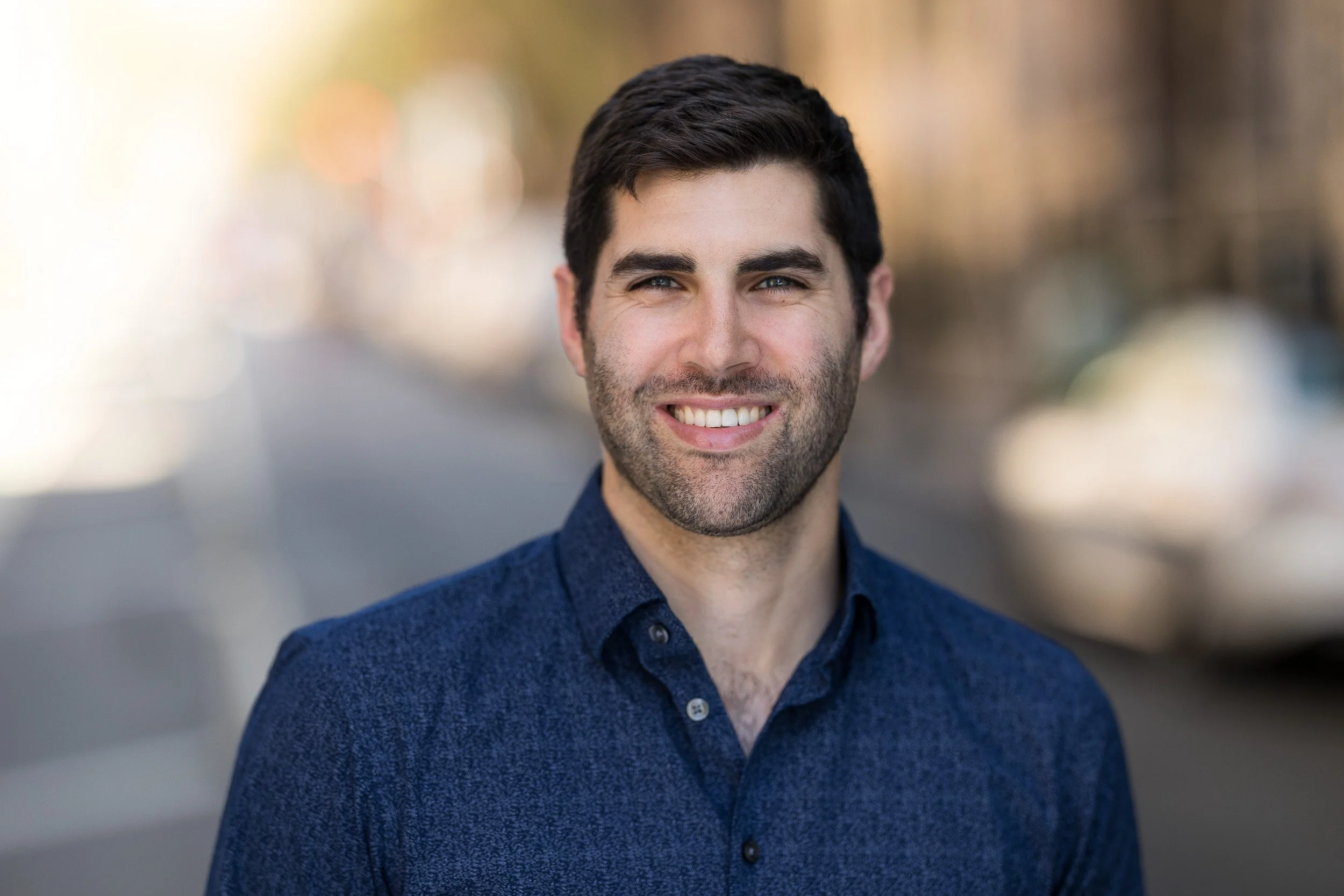
The practical takeaway: capture a range of expressions during your session and decide later. Your LinkedIn profile, your company website, and a press feature might all call for different versions of you — and having the options costs nothing extra.
One thing that applies to every expression: don't hold it for more than a few seconds. The longer any expression is held, the more forced it becomes. Break eye contact with the camera periodically to reset, shift your weight, adjust your pose slightly — keeping things moving prevents everything from going stiff at once.

For a more comprehensive look at poses and how to execute them, see Headshot Posing Essentials: 6 Tips on How to Pose in Your Corporate Headshots.
How to Prepare for Shoot Day
Now that you know what you're going for, here's how to set yourself up for the best possible session.
Schedule strategically. If shooting outdoors, aim for the first couple of hours after sunrise or the hour or two before sunset. The light is softer and more flattering, the backgrounds tend to be calmer, and your wardrobe will look fresher. If you're shooting later in the day, bring a separate change of clothes and change just before the session.
Get a good night's sleep. It shows around the eyes more than almost anything else.
Bring options. Multiple outfits, a steamer for wrinkles, a lint roller, and a touchup kit for hair and makeup. Variety gives you more to work with in post and ensures you have shots for different contexts.
Arrive early. Give yourself time to settle in before the camera comes out. The best shots almost always come once you've loosened up — typically toward the end of the session. Budget at least 30 minutes; a full hour gives you real room to explore.
Communicate your goals to your photographer. Tell them where the photos will be used, what qualities you want to project, and any references you've gathered from your industry research. A good photographer can direct you toward those goals — but only if they know what they are.
How Often Should You Update Your LinkedIn Headshot?
A good rule of thumb: every two to three years, or whenever your appearance changes meaningfully — a new hairstyle, significant weight change, or a style evolution that makes your current photo feel like a different era.
The clearest signal that it's time? When someone meets you after only knowing you from LinkedIn and there's a moment of mild surprise. Trust is built on consistency. If your profile photo and your actual appearance are telling different stories, that gap — however small — works against you.
Professional vs. DIY: How to Choose Your LinkedIn Headshot Approach
This is worth thinking through honestly rather than defaulting to one answer.
Investing in a professional headshot for LinkedIn is worth it when the photo is doing real commercial work — client-facing roles, senior positions, fields where first impressions carry weight.
A professional photographer gives you more than just a camera: controlled lighting, direction on posing and expression, the ability to choose your exact background, and a set of finished, retouched images to work with.
If budget is a genuine constraint and you're figuring out how to take a LinkedIn headshot without a photographer, a DIY shoot with a friend can still produce solid results — particularly if you apply the tips in this article.
A modern smartphone in portrait mode does a reasonable job of mimicking the depth-of-field blur you'd get from a professional lens, which goes a long way toward making a photo feel intentional rather than incidental.
Find a clean background, get the lighting right (near a large window is your best option), use the posing and wardrobe guidance above, and have your friend shoot multiple frames so you have options.
Should You Use AI-Generated Headshots?
AI-generated headshots are worth mentioning as a third option — but as a last resort, and only if budget genuinely prevents a professional or quality DIY session.
The technology has improved, but there are real limitations: you have little to no control over your background or what you're wearing, the results can sometimes look subtly off in ways that are hard to pinpoint but immediately sensed, and the most important quality in any headshot is authenticity — looking genuinely like yourself.
An AI-generated image that doesn't quite match how you look in person can undermine the very trust it's meant to build. If you do go this route, test multiple tools and only use a result that is unmistakably and honestly you.
Final Thoughts
A great LinkedIn headshot isn't complicated — it's intentional. It's a photo that looks like you on a good day, taken with some thought behind the lighting, the background, and what you're wearing. It poses you in a way that feels natural rather than performed. And it's recent enough that people recognize you when you walk into the room.
Get those things right, and your profile photo stops being a box you checked and starts being an asset that's quietly working for you every time someone lands on your profile. When you're ready to get it done properly, you know where to find us.
Frequently Asked Questions
-
A clean, neutral background — whether a solid studio color or a softly blurred environmental setting — keeps the focus on your face rather than what's behind you. The right choice depends on your industry and what you want to communicate: studio reads as polished and professional; environmental or outdoor backgrounds can add personality and context. For a full breakdown, see What Is the Best Background for Professional Headshots?
-
Dress in a way that fits your industry's norms while still reflecting who you are. Solid colors photograph better than patterns, and fit matters as much as formality. When in doubt, aim for the level of polish you'd bring to a first meeting with a new client. For detailed guidance, see What to Wear for Professional Headshots.
-
It depends on what you want your photo to communicate. Smiling tends to increase perceptions of warmth and approachability; a more composed expression projects authority and competence. Many professionals benefit from having both. For a deeper look at how expression affects perception, see Should You Smile for Your Headshot?
-
LinkedIn recommends uploading at 400x400 pixels minimum, with 640x640px or larger being the better choice for sharpness on high-resolution displays. The maximum file size is 8MB. Your photo will display as a circle across the platform, so upload as a square and use LinkedIn's built-in crop tool to center your face.
-
Every two to three years is a good general guideline, or sooner if your appearance changes significantly — new hairstyle, major style shift, or any change significant enough that people might not immediately recognize you from your photo.
-
Yes, with some caveats. A smartphone in Portrait Mode, positioned near a large window with good natural light, can produce a solid result if you apply the guidance in this article on wardrobe, background, expression, and posing. Have a friend shoot multiple frames rather than attempting a selfie — you'll have more options and better posture. A professional photographer will give you better results, but a thoughtful DIY approach is a legitimate option when budget is a real constraint.
The Best Headshots for LinkedIn in NYC
Your headshot is one of the first insights into your personal brand. Johnny Wolf Studio specializes in creating modern headshots with a branded feel that will set your LinkedIn profile apart. If you think it might be time for an update, get in touch and we’ll bring your personal brand to the forefront.